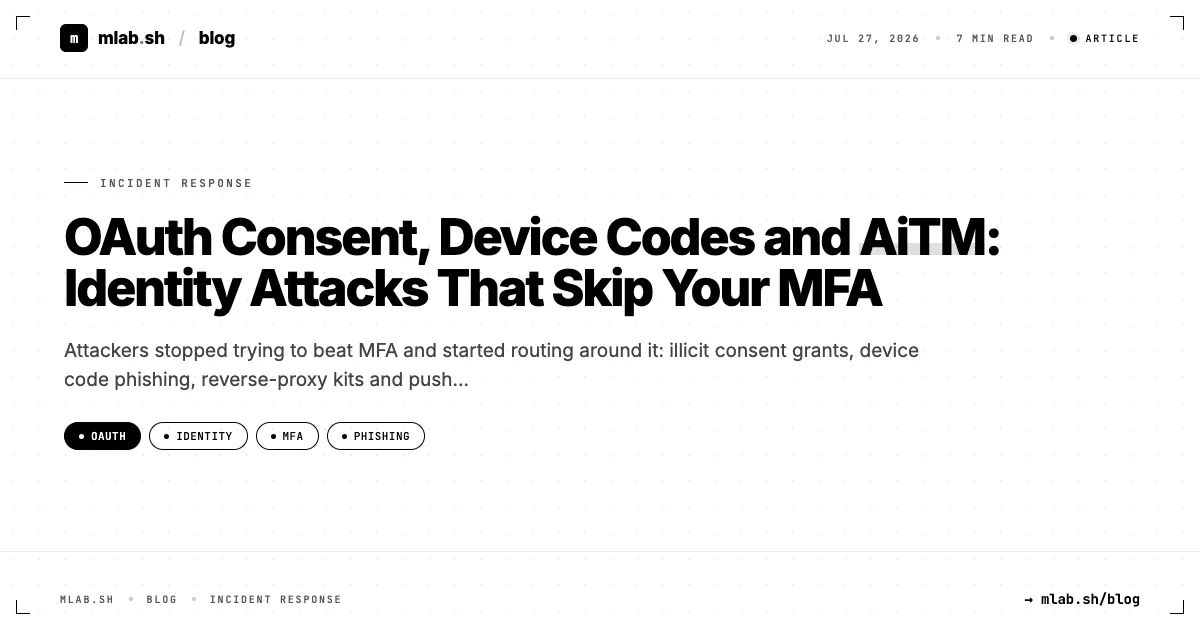
MFA did its job. The attacker still got in.
Every identity incident review now contains the same awkward line: "MFA was enabled." It was. The user completed it, on the real Microsoft page, with the real authenticator. And the attacker walked away with access anyway.
That is because the four techniques that dominate cloud identity compromise today do not defeat MFA. They let the victim complete it and then take what MFA produces: a token, a grant, a session. Understanding which artefact each technique steals tells you exactly where to look and what to revoke.
| Technique | What the attacker ends up holding | Does phishing-resistant MFA stop it? |
|---|---|---|
| Illicit consent grant | OAuth refresh token for their own app, with delegated permissions | No, the user consented after a legitimate sign-in |
| Device code phishing | Access and refresh tokens issued to the attacker's device | No, the user signs in on the real Microsoft domain |
| AiTM reverse proxy | Session cookie captured in transit | Yes, FIDO2 and passkeys bind to the real origin |
| MFA fatigue | A legitimate sign-in approved by an annoyed user | Yes, plus number matching makes it much harder |
The first two rows are the uncomfortable ones. Rolling out passkeys is the right move, and it still leaves those two doors open.
Illicit consent grants
How it works
The attacker registers a multi-tenant application in their own Entra tenant, gives it a plausible name and logo ("Document Viewer", "Secure PDF", "Teams Meeting Notes"), and requests delegated permissions such as Mail.Read, Files.Read.All, offline_access. The phishing link points to the genuine Microsoft authorization endpoint:
hxxps://login.microsoftonline[.]com/common/oauth2/v2.0/authorize
  ?client_id=<attacker app id>
  &response_type=code
  &redirect_uri=hxxps://docs-viewer-secure[.]example/callback
  &scope=offline_access%20Mail.Read%20Files.Read.All
The user signs in normally, MFA included, then sees a consent screen and clicks Accept. The attacker's app now holds a refresh token that keeps working after a password reset, because it is a grant to an application, not a user session. ATT&CK tracks this as Steal Application Access Token (T1528).
Detect it
In the Entra audit log, consent produces a recognisable cluster: Consent to application, Add delegated permission grant, and often Add service principal when the app appears in your tenant for the first time.
AuditLogs
| where OperationName == "Consent to application"
| extend Actor = tostring(InitiatedBy.user.userPrincipalName)
| extend AppName = tostring(TargetResources[0].displayName)
| mv-expand Prop = TargetResources[0].modifiedProperties
| where tostring(Prop.displayName) == "ConsentAction.Permissions"
| project TimeGenerated, Actor, AppName, Permissions = tostring(Prop.newValue)
| where Permissions has_any ("Mail.", "Files.", "offline_access", "MailboxSettings")
Things that should raise priority: an unverified publisher, an app first seen in the tenant today, a reply URL on a fresh or unrelated domain (look it up on /domain/), and mail or file scopes combined with offline_access.
Prevent it
Restrict user consent: in Entra, allow users to consent only to apps from verified publishers for low-risk permissions, or disable user consent and turn on the admin consent workflow so requests land with someone who reviews them. This single setting eliminates most of this technique.
Device code phishing
How it works
The OAuth device authorization grant exists for devices without a browser (TVs, CLI tools). The device shows a short code; the user enters it at microsoft.com/devicelogin on another device and signs in. Whatever device requested the code receives the tokens.
The attacker requests the code themselves and sends it to the victim, often framed as a Teams meeting invite or a "secure document access" step. The victim goes to the real Microsoft page, enters the code, completes MFA, and the attacker's polling script receives an access and refresh token. Microsoft reported a sustained campaign of this kind in early 2025, attributed to a cluster it tracks as Storm-2372.
Detect it
Sign-in logs record the protocol:
SigninLogs
| where AuthenticationProtocol == "deviceCode"
| summarize Count = count(), Apps = make_set(AppDisplayName), IPs = make_set(IPAddress)
    by UserPrincipalName, bin(TimeGenerated, 1d)
In most organisations, legitimate device code use is rare and concentrated in a few admin or developer accounts. A finance user authenticating via device code, especially when the token is then used from a hosting provider IP, is a strong signal. Check the non-interactive sign-in logs too: that is where follow-on refresh token use appears.
Prevent it
Use the Conditional Access authentication flows condition to block device code flow for everyone except a named exception group. Most tenants can do this with little friction.
AiTM reverse-proxy phishing
How it works
Kits like Evilginx, EvilProxy and Tycoon 2FA put a reverse proxy between the victim and the real login page. The victim sees the genuine Microsoft UI (proxied), enters password and OTP or push approval, and the proxy captures the session cookie issued at the end. The attacker imports the cookie and is in. This is classic Adversary-in-the-Middle (T1557) followed by Web Session Cookie (T1550.004) use.
Detect it
- Entra ID Protection raises risk detections such as anomalous token and attacker-in-the-middle for some of these patterns, depending on licence.
- A successful sign-in from IP A, followed within minutes by the same session used from IP B on a different ASN, usually a hosting provider.
- Immediately after: a new inbox rule, an MFA method registration, or a mass of
MailItemsAccessedevents. AiTM is the most common entry point for the BEC pattern. - The phishing domain itself: proxied pages sit on freshly registered or compromised domains, often behind CDNs, with lookalike strings in the hostname.
Prevent it
Phishing-resistant MFA (FIDO2 keys, passkeys, Windows Hello for Business, certificate-based auth) is the real fix, because the credential is bound to the legitimate origin and will not sign for the proxy's domain. Compliant-device Conditional Access and token protection reduce the value of a stolen cookie when it is replayed from an attacker's machine.
MFA fatigue
How it works
The attacker already has the password (stealer log, reuse, spray). They trigger push after push, sometimes combined with a phone call or Teams message pretending to be IT, until the user approves to make it stop. ATT&CK: Multi-Factor Authentication Request Generation (T1621). Lapsus$ made this famous in 2022.
Detect and prevent
Microsoft Authenticator has enforced number matching for push since 2023, which defeats blind approval. Detection remains useful: count MFA denials and timeouts per user over short windows.
SigninLogs
| where ResultType == "500121"   // strong auth failed: denied or timed out
| summarize Failures = count() by UserPrincipalName, bin(TimeGenerated, 15m)
| where Failures >= 5
Pair it with a user-reported "I did not request this" path in the authenticator, and actually triage those reports.
Response playbook: what to revoke for each technique
The most common failure in these incidents is revoking the wrong thing. A password reset alone fixes almost nothing on this list.
| Technique | Must do |
|---|---|
| Consent grant | Remove the OAuth2 permission grant, disable or delete the service principal, then revoke user sessions |
| Device code | Revoke user sessions (refresh tokens), block device code flow, review non-interactive sign-ins |
| AiTM | Revoke sessions, reset password, remove attacker MFA methods, review inbox rules and forwarding |
| MFA fatigue | Reset password (it is known), revoke sessions, review new MFA methods |
# Revoke all refresh tokens and sessions for a user
Revoke-MgUserSignInSession -UserId [email protected]

# Find and remove a malicious delegated grant
$sp = Get-MgServicePrincipal -Filter "appId eq '<attacker app id>'"
Get-MgOauth2PermissionGrant -Filter "clientId eq '$($sp.Id)'" |
  ForEach-Object { Remove-MgOauth2PermissionGrant -OAuth2PermissionGrantId $_.Id }
Update-MgServicePrincipal -ServicePrincipalId $sp.Id -AccountEnabled:$false
When you get your hands on a token from an incident (a captured access token from a proxy log, a token in a script), decode it locally with the JWT decoder to read appid, scp, amr, iat and exp. It tells you which app, which scopes and how MFA was satisfied. Our JWT security guide explains the claims.
After revocation, scope the blast radius in the Unified Audit Log: what did the token read, download, send or change between the first malicious sign-in and revocation? MailItemsAccessed, FileDownloaded, New-InboxRule, Set-Mailbox forwarding changes and new app registrations are the usual first queries.
Test yourself before they do
Reading about these techniques is useful; seeing what your own tenant logs when they happen is better. The M365 red kit is the place to start building controlled exercises around Microsoft 365 identity scenarios, so your detections are validated against real telemetry instead of assumed.
What to do Monday
- [ ] Restrict user consent and enable the admin consent workflow.
- [ ] Inventory existing OAuth grants: anything with mail or file scopes plus
offline_accessfrom an unverified publisher gets reviewed. - [ ] Block device code flow in Conditional Access, with a named exception group.
- [ ] Put phishing-resistant MFA on admins first, then finance, HR and executives.
- [ ] Add the three queries above to your detection backlog.
- [ ] Update your playbook so every identity incident starts with "revoke sessions", not "reset password".
The attacker's goal is not your password. It is whatever your identity provider hands out after the password. Defend that.